Buy Youkeeps with your Azure commitment: what Azure benefit eligible means
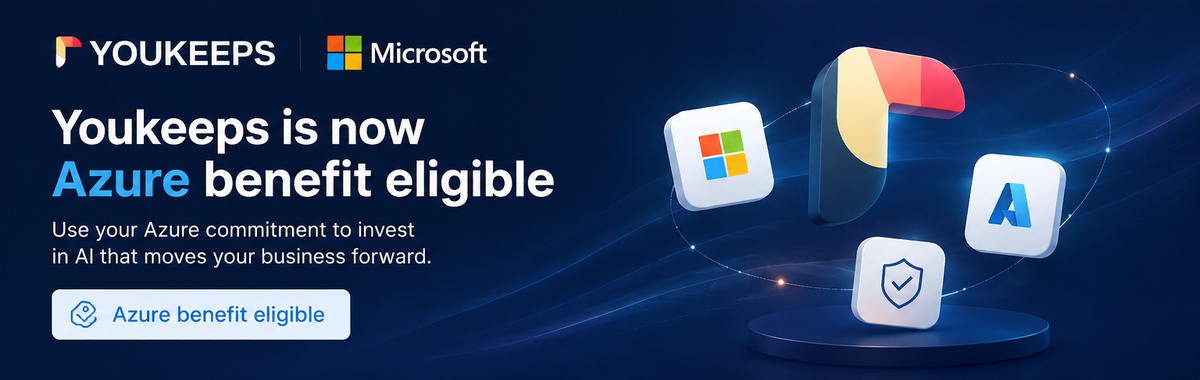
Youkeeps is now Azure benefit eligible on Microsoft Marketplace. If your organization has an Azure commitment with Microsoft, you can buy Youkeeps with that budget, and 100% of the pre-tax purchase counts toward the commitment.
For most enterprises this removes the hardest step of buying new software: finding a new budget line. The money is already committed to Microsoft. Now it can also give your teams an AI assistant that schedules meetings for them inside Teams, Outlook and Copilot.
What Azure benefit eligible means
Many large companies sign a Microsoft Azure Consumption Commitment (MACC): an agreement to spend a set amount on Azure over a defined period. Microsoft marks some partner solutions on Marketplace with an Azure benefit eligible badge. When you buy one of them, Microsoft applies 100% of the pre-tax purchase amount toward your commitment.
A purchase counts when three things are true:
- The offer is Azure benefit eligible at the time of purchase
- You buy it through Marketplace in the Azure portal, with a subscription tied to your organization's agreement
- Your organization's MACC is active
Youkeeps runs on Azure and meets Microsoft's requirements, so every license you buy this way helps you meet the commitment you already made.
Why it matters for your company
- Use budget you already have. The spend is planned and approved with Microsoft, so there's no new budget request to wait on.
- Faster procurement. Youkeeps arrives through a vendor you already work with: Microsoft. Billing, contract terms and security review follow a familiar path.
- One invoice. Youkeeps is billed by Microsoft together with the rest of your Azure services.
- Get more from your commitment. Every dollar spent on Youkeeps also moves you closer to your MACC target, which helps you avoid an unused shortfall at the end of the term.
- Security your IT team can check. Youkeeps is also Microsoft 365 Certified, one of 22 AI apps in Microsoft Marketplace with that status. It doesn't read email or message content.
What your teams get is time. Youkeeps lines up meetings with colleagues, clients and partners from one chat message, handles time zones and full calendars, and reschedules everything connected when plans change.
Why it matters for Microsoft sellers and partners
Youkeeps holds Azure IP Co-sell status. Microsoft sellers receive quota retirement when their customers buy Youkeeps through Marketplace, so recommending it helps them reach their own targets.
Channel partners can sell Youkeeps to their customers through a Marketplace private offer, with their own terms. The customer still buys in the Azure portal, the purchase still counts toward their MACC, and Microsoft pays the partner. Noventiq, Ingram Micro, TD SYNNEX and CompuSoluciones already sell Youkeeps this way.
How to buy Youkeeps with your Azure commitment
- Sign in to the Azure portal with your organization's account.
- Open Marketplace, turn on the Azure benefit eligible filter and search for Youkeeps.
- Choose a plan and select Subscribe, using the Azure subscription tied to your organization's agreement.
- Assign licenses to your teams in the Microsoft 365 admin center. Setup takes minutes, and people can start the same day.
One detail to watch: a credit card purchase made directly on the Marketplace website doesn't count toward MACC. If you start there, choose Get it in Azure portal at checkout.
Want to try it first? Start a free month on Microsoft Marketplace or talk to our team about a private offer for your organization.
Official resources
- Azure consumption commitment benefit, Microsoft Learn
- Frequently asked questions about using your MACC in Marketplace, Microsoft Learn
- Azure IP Co-sell, Microsoft for Startups
- Youkeeps Microsoft 365 Certification, Microsoft Learn
- Youkeeps on Microsoft Marketplace