AI Scheduling Agent for Microsoft 365 | Youkeeps
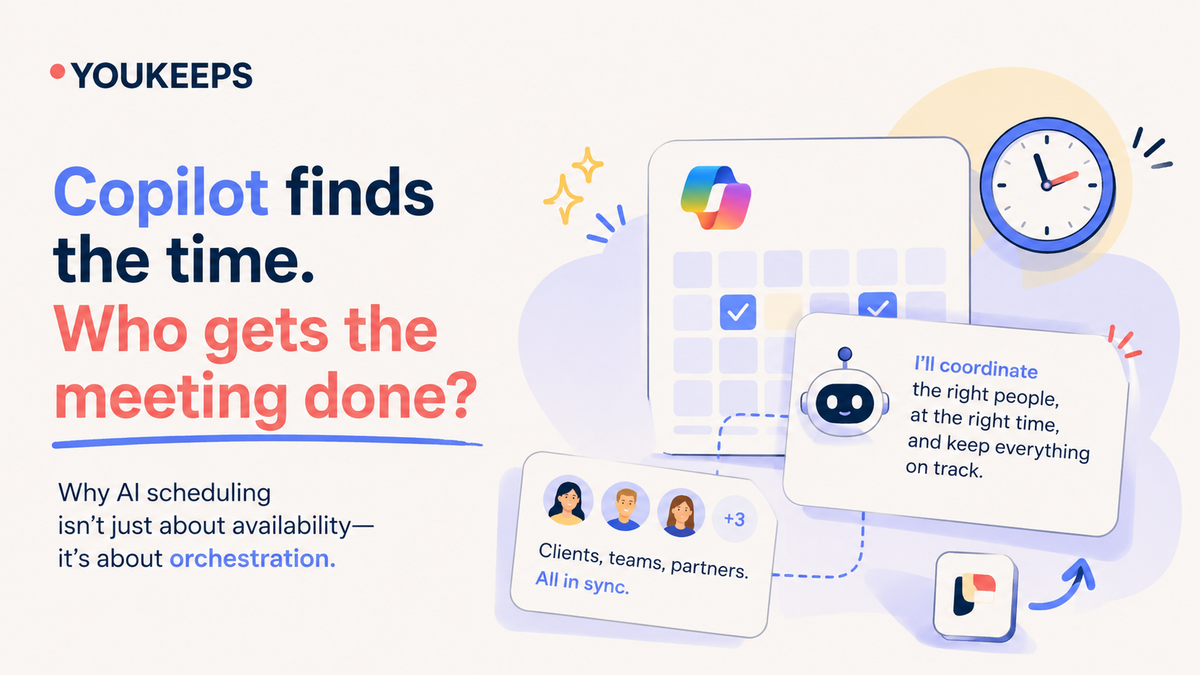
Yes, Copilot can schedule meetings. It works best when you're in the chat and everyone's calendar is visible to your organization. It finds a free slot, books a room, drafts an agenda and sends the invite once you confirm.
The expensive part of scheduling sits somewhere else. It's the meeting with four people from two companies, the email thread that runs for three days, and the reschedule that drags five other meetings with it. That work is still done by people.
Below is an honest look at what Copilot and other AI assistants do today, where each one stops, and where an agent like Youkeeps picks up.
What Copilot can do today
Microsoft has shipped real scheduling features in 2026. With a Microsoft 365 Copilot license, Copilot in Outlook can:
- Find a time across attendees' calendars, respecting working hours and time zones
- Book a meeting room and draft an agenda, including from a long email thread (“Schedule with Copilot”)
- Send the invite, after you review it
- Respond to invites, resolve conflicts and reschedule one-on-one meetings, through Microsoft's Frontier early-access program
- Prepare you for meetings with a summary of related emails, files and action items
Scheduling from chat reached classic Outlook for Windows in August 2026, in a phased rollout. For an individual managing their own week, this covers a lot.
Where Copilot stops
Copilot is an assistant you talk to. It acts when you open a chat, proposes, and waits for you to confirm. That design is safe, and it leaves four gaps where most scheduling time is lost:
- People outside your company. Copilot reads free/busy data your organization can see. A client's or partner's calendar usually isn't visible, so someone still has to ask them.
- The back-and-forth. When a client replies “Tuesday doesn't work, how about Thursday afternoon?”, Copilot doesn't pick up that email and negotiate. You do.
- The cascade. Moving one meeting often means moving the prep session, the follow-up and the people who depend on it. Copilot reschedules the meeting you point at, not the chain behind it.
- Work while you're away. Copilot runs inside a session you start. If you're on a flight or in back-to-back meetings, the scheduling waits.
These gaps are small for a single 1:1. They're where the hours go for sales, presales, project and leadership teams, who coordinate with clients and partners all day.
What about Copilot Cowork?
Copilot Cowork, generally available since June 16, 2026, is Microsoft's agentic layer inside Microsoft 365 Copilot. It runs multi-step tasks in the cloud, keeps working after you close your laptop, and can schedule meetings and handle calendar conflicts. It closes the “works while you're away” gap.
Two gaps remain:
- External meetings. Cowork works across your organization's Microsoft 365 data. It isn't built to collect availability from clients and partners outside your company and negotiate with them until everyone confirms.
- Cost you have to meter. Cowork needs a Microsoft 365 Copilot license (about $30 per user per month) and then bills each task in Copilot Credits at $0.01 per credit. Light tasks use roughly 70–300 credits, about $0.70–$3 each. Treat every scheduled meeting as a task, and a manager with 6 meetings a week could add around $200–$860 a year in credits on top of the license.
For scheduling at volume, a flat per-user price is easier to budget.
How the other assistants compare
Each type of tool solves one slice of scheduling well. The table shows typical behavior as of October 2026. These products change quickly, so check the current version before you decide.
| Tool | Finds a time | External participants | Negotiates until confirmed | Reschedule cascades | Works without you | Built for |
|---|---|---|---|---|---|---|
| Outlook Scheduling Assistant | ~ Partly Internal calendars | ~ Partly Only if calendars are shared | ✕ No | ✕ No | ✕ No | Internal meetings |
| Microsoft 365 Copilot | ✓ Yes In chat | ~ Partly Visible calendars only | ✕ No | ~ Partly One meeting, with approval | ✕ No Session-based | Personal productivity in M365 |
| Microsoft Copilot Cowork | ✓ Yes As a multi-step task | ~ Partly Inside your organization | ✕ No Not with outside participants | ~ Partly Conflicts in your calendar | ✓ Yes Runs in the cloud | Multi-step work across M365, paid per task in credits |
| Booking links Calendly, Microsoft Bookings | ~ Partly Invitee picks a slot | ~ Partly One invitee at a time | ✕ No The link replaces it | ✕ No | ✓ Yes | 1:1 external meetings |
| Calendar optimizers Reclaim, Motion | ~ Partly Your own calendar | ~ Partly Limited | ✕ No | ~ Partly Your own flexible blocks | ✓ Yes | Focus time and personal planning |
| Personal AI email assistants | ✓ Yes | ✓ Yes By email | ✓ Yes | ~ Partly Per meeting | ✓ Yes | Individuals and their inbox |
| Youkeeps | ✓ Yes Internal and external | ✓ Yes No install needed | ✓ Yes Until everyone confirms | ✓ Yes Moves dependent meetings | ✓ Yes Cloud agent | Teams and whole organizations, in Teams and Copilot |
Typical behavior as of October 2026. These products change quickly.
The pattern: most tools optimize one person's calendar. The real cost is in coordination between many people and companies, and that's the job Youkeeps was built for.
What Youkeeps does differently
Youkeeps is a multi-agent system that treats meetings as a chain of dependencies, not as isolated calendar slots. You ask in plain language inside Microsoft Teams or Copilot: “Set up a meeting with the client's CFO, Ana and Luis this week.” The agents take it from there.
- It works across companies. External participants get a simple email and reply. They don't need Youkeeps, an account or shared calendars.
- It finishes the job. Agents handle the back-and-forth until everyone confirms, while the organizer stays in control of the final call.
- It handles the cascade. When an urgent change moves one meeting, Youkeeps sees what depends on it and reschedules the chain.
- It's built for teams, not one inbox. It's deployed across the organization through Microsoft Marketplace and Entra ID, so whole teams coordinate through one agent.
- It runs inside Microsoft, not beside it. Youkeeps is a Launch Partner for Microsoft Agent 365, works as an agent for Microsoft 365 and Copilot, and runs on Azure. It's certified for Microsoft 365.
Customers measure the difference in days, not minutes:
| Result | User role | |
|---|---|---|
| 1 hour | Client meetings confirmed within an hour, down from 4 hours to 3 working days | Sales team |
| ~80% | Less time-to-schedule; scheduling time 5 → 1 hour per organizer per week | Management and operations |
| 15+ hours | A week back for the sales team, with a 22% shorter deal cycle | Sales team |
| 88% | Of users save time on scheduling every week | Sales, operations and management |
Pricing is flat, with no credits to track: $120 per user per year, with a free one-month pilot.
When Copilot is enough, and when you need Youkeeps
Copilot is enough if most of your meetings are internal, you schedule a few a week, and you're happy to drive each one yourself.
You need a scheduling agent if:
- Many of your meetings include clients, partners or candidates from other companies
- Your meetings have 4+ participants and a lot of back-and-forth
- One moved meeting regularly shifts several others
- Your team (sales, presales, project managers, leadership, recruiting) spends hours a week on coordination
- Your calendars are packed. Copilot can only offer slots that are already free. When there are none, someone still has to decide what moves, and Youkeeps helps by rescheduling around priorities and dependencies
You don't have to choose. Youkeeps works inside Teams and Copilot, so your people keep the Microsoft tools they know, and the agent does the part those tools leave to them. Scheduling is also the most repetitive admin task in most companies, which makes it a fast first win for AI agents and helps Copilot adoption overall.
See it on one of your real meetings
The fastest test: pick the meeting your team dreads scheduling, the one with a client and four people from two companies, and let Youkeeps run it.
- Start a free 1-month pilot from Microsoft Marketplace. It runs inside Teams, with nothing new to learn. Get it on Microsoft Marketplace
- Estimate your ROI in a minute with our calculator. Open the calculator
- Book a 20-minute demo and we'll schedule a real cross-company meeting live. Book a call
Meetings, scheduled. Deals, moving.